
Kouponics
  • Home
  • Lifestyle
    Lifestyle
    A way of life can also represent your attitude or personal ideals. A glamorous lifestyle entails engaging in expensive, high-profile activities and living lavishly.
    Show More
    Top News
    Lifestyle Fashion Trends, Beauty Tips, Celebrity
    January 23, 2023
    WITTCHEN : Leather goods, bags, suitcases, footwear
    February 6, 2023
    Glowria: Elevate Your Beauty Routine with Curated Monthly Boxes
    April 15, 2025
    Latest News
    The Ultimate Guide to Women’s and Men’s Underwear: Comfort Meets Style
    January 6, 2026
    Exploring Touch Online Electronics Store: Your One-Stop Shop for Tech Gadgets
    December 4, 2025
    Zonky Loan Company: Revolutionizing Personal Lending in the Digital Age
    September 18, 2025
    Unleash Your Inner Beauty: Discover the Magic of Adopt Perfume Body Care & Makeup
    June 29, 2025
  • Technology
    TechnologyShow More
    How to Use Krisp: Step-by-Step Guide for Noise-Free Meetings
    February 2, 2026
    Krisp Review: Best Noise-Cancelling App for Clear Calls
    February 2, 2026
    How to Shop Online at Touch: Tips & Best Offers
    January 31, 2026
    Best Deals at Touch: Affordable Phones, Gadgets & Accessories
    January 31, 2026
    Exploring the Features of Storeinua: The Ultimate Mobile Laptop for On-the-Go Professionals
    January 10, 2026
  • Fashion
  • Entertainment
  • Science
  • Technology
  • Travel
  • Games
  • Choose Language
Reading: How to Use Krisp: Step-by-Step Guide for Noise-Free Meetings
Share
Kouponics
  • Games
  • Lifestyle
  • Travel
  • Entertainment
  • Science
  • Technology
  • Fashion
Search
  • Home
  • About Us
  • Privacy Policy
  • Sitemap
  • Advertise
© 2022 Foxiz News Network. Ruby Design Company. All Rights Reserved.
Kouponics > Blog > Technology > Software > How to Use Krisp: Step-by-Step Guide for Noise-Free Meetings
Software

How to Use Krisp: Step-by-Step Guide for Noise-Free Meetings

Software
3 Min Read

Getting Started with Krisp

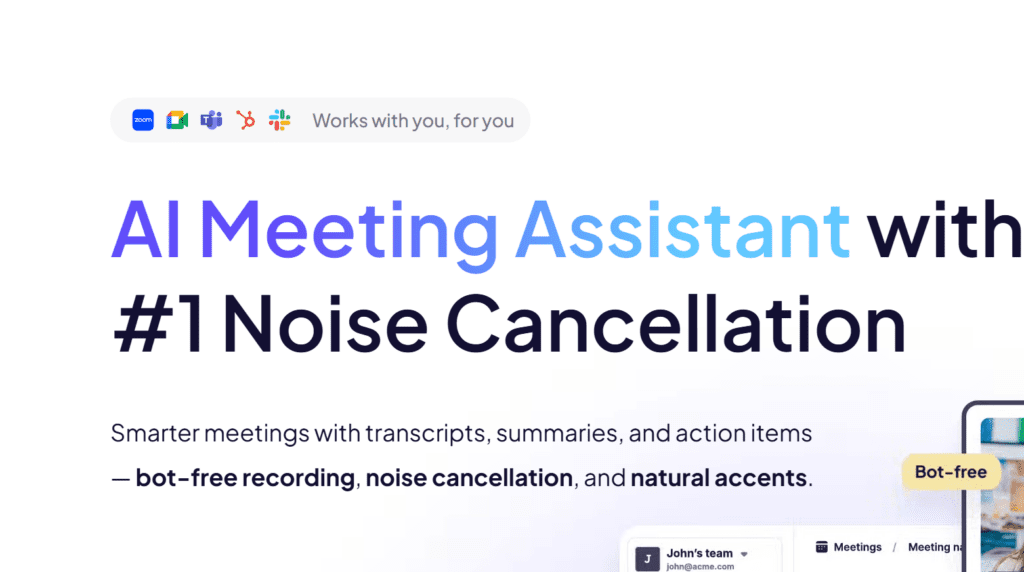
Learning how to use Krisp begins with downloading the application from the official website and creating a free account. The software is available for Windows, macOS, and also offers extensions for some communication platforms. After installation, Krisp runs in the background and becomes a virtual microphone and speaker on your device. This Krisp guide is designed for beginners who want quick results without technical complications. The interface is clean and minimal, so users can focus on their meetings instead of complicated settings, making it ideal for remote work and online learning.

Contents
Getting Started with KrispConnecting Krisp to Your Meeting AppAdjusting Basic SettingsUsing Krisp on Different DevicesBest Practices for Noise-Free Meetings

Connecting Krisp to Your Meeting App

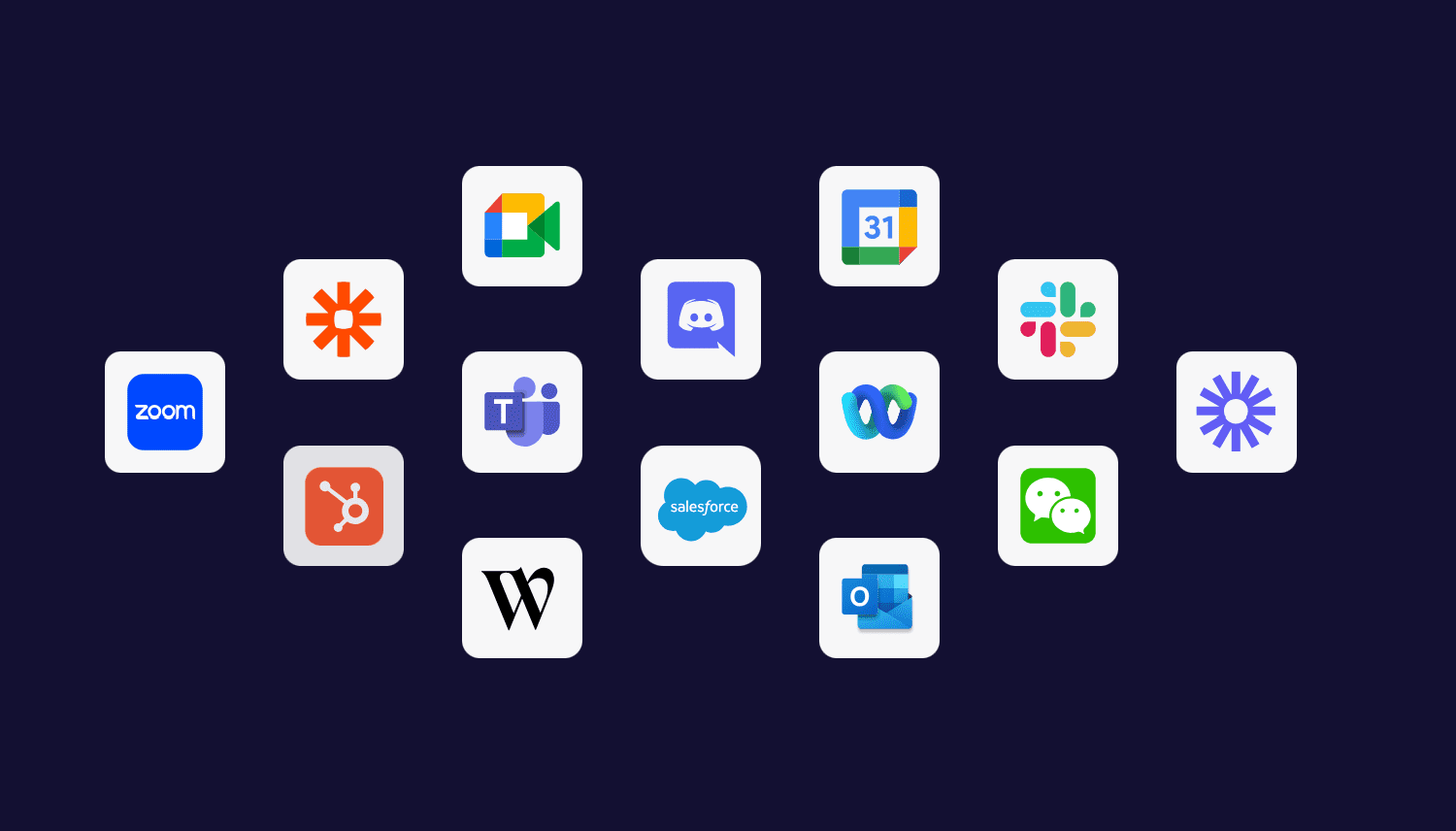
The most important step in this noise cancellation tutorial is linking Krisp with the apps you already use. Open Zoom, Microsoft Teams, Google Meet, Skype, or any other calling program and select “Krisp Microphone” and “Krisp Speaker” from the audio settings menu. Once chosen, the filter starts working immediately to remove background distractions. These simple audio clarity tips ensure that colleagues hear only your voice, not keyboards, traffic, or household sounds. You can enable or disable the feature with one click directly from the Krisp panel during a call.

Adjusting Basic Settings

Although Krisp works automatically, a few adjustments can improve the experience. Inside the dashboard you can choose whether to cancel noise from your side, from the other participants, or both. This Krisp guide recommends testing the microphone level before important meetings to avoid speaking too softly. Users can also set Krisp to start with the computer so it is always ready. Following this noise cancellation tutorial helps create a stable setup that does not need to be changed every day.

Using Krisp on Different Devices
Many people connect to meetings from laptops, desktops, or external headsets, and Krisp supports all of them. The application recognizes built-in microphones as well as USB and Bluetooth devices. For the best results, keep the microphone at a normal distance and avoid covering it with hands. These audio clarity tips are useful when switching between home and office environments. The same steps explained in how to use Krisp apply regardless of the device, which makes the tool flexible for travelers and hybrid workers.

Best Practices for Noise-Free Meetings

To get the most from this Krisp guide, combine the software with a few good habits. Close unnecessary windows, reduce very loud music, and speak clearly toward the microphone. Even though Krisp removes most disturbances, extreme noise can still affect quality. Regularly updating the app ensures access to the latest improvements. By following this noise cancellation tutorial, anyone can achieve professional-sounding calls and enjoy true audio clarity tips without buying expensive equipment.

Get Now

You Might Also Like

Krisp Review: Best Noise-Cancelling App for Clear Calls

Qustodio lets you supervise your child’s messages and social media posts

Hifza February 2, 2026
Previous Article Krisp Review: Best Noise-Cancelling App for Clear Calls
- Advertisement -
Ad imageAd image
Buy Now

Latest News

How to Use Krisp: Step-by-Step Guide for Noise-Free Meetings
Software February 2, 2026
Krisp Review: Best Noise-Cancelling App for Clear Calls
Software February 2, 2026
How to Shop Online at Touch: Tips & Best Offers
Electronics January 31, 2026
Best Deals at Touch: Affordable Phones, Gadgets & Accessories
Electronics January 31, 2026
//

Kouponics is trending professional content website. We help people save time and money by delivering instant access to the latest content on travel, Fashion, Tech products.

Top categories

  • Lifestyle
  • Technology
  • Health
  • Games
Menu
  • Lifestyle
  • Technology
  • Health
  • Games

Quick links

  • About Us
  • Contact
  • Privacy Policy
  • Disclosure
Menu
  • About Us
  • Contact
  • Privacy Policy
  • Disclosure
- Advertisement -
Ad image
Kouponics

© 2025 kouponics. All Rights Reserved.

  • Advertise

Removed from reading list

Undo
Welcome Back!

Sign in to your account

Lost your password?