
Kouponics
  • Home
  • Lifestyle
    Lifestyle
    A way of life can also represent your attitude or personal ideals. A glamorous lifestyle entails engaging in expensive, high-profile activities and living lavishly.
    Show More
    Top News
    Fashion: Most Successful Fashion Designers In India
    January 23, 2023
    The Benefits of Mindfulness Meditation: Why You Should Start Today
    June 5, 2023
    Tails and the Evolution of Breed-Specific Nutrition
    March 9, 2026
    Latest News
    Discover Stylish Shoes and More With Sam Edelman
    September 17, 2026
    Elevate Your Everyday Style With Sam Edelman
    September 17, 2026
    Create a Safer and More Balanced Digital Life with Qustodio
    September 15, 2026
    Discover Smarter Parental Controls with Qustodio
    September 15, 2026
  • Technology
    TechnologyShow More
    Work Smarter and Organize Conversations with Notta
    September 18, 2026
    Simplify Meetings and Capture Ideas Easily with Notta
    September 18, 2026
    Discover Smarter Online Searches and Digital Identity Insights with Social Catfish
    September 15, 2026
    Discover Smarter Online Identity Checks with Social Catfish
    September 15, 2026
    Simplify Your Digital Life with Touch – Smart Solutions for Modern Users
    May 16, 2026
  • Fashion
  • Entertainment
  • Science
  • Technology
  • Travel
  • Games
  • Choose Language
Reading: How to Use Krisp: Step-by-Step Guide for Noise-Free Meetings
Share
Kouponics
  • Games
  • Lifestyle
  • Travel
  • Entertainment
  • Science
  • Technology
  • Fashion
Search
  • Home
  • About Us
  • Privacy Policy
  • Sitemap
  • Advertise
© 2022 Foxiz News Network. Ruby Design Company. All Rights Reserved.
Kouponics > Blog > Technology > Software > How to Use Krisp: Step-by-Step Guide for Noise-Free Meetings
Software

How to Use Krisp: Step-by-Step Guide for Noise-Free Meetings

Software
3 Min Read

Getting Started with Krisp

Learning how to use Krisp begins with downloading the application from the official website and creating a free account. The software is available for Windows, macOS, and also offers extensions for some communication platforms. After installation, Krisp runs in the background and becomes a virtual microphone and speaker on your device. This Krisp guide is designed for beginners who want quick results without technical complications. The interface is clean and minimal, so users can focus on their meetings instead of complicated settings, making it ideal for remote work and online learning.

Contents
Getting Started with KrispConnecting Krisp to Your Meeting AppAdjusting Basic SettingsUsing Krisp on Different DevicesBest Practices for Noise-Free Meetings

Connecting Krisp to Your Meeting App

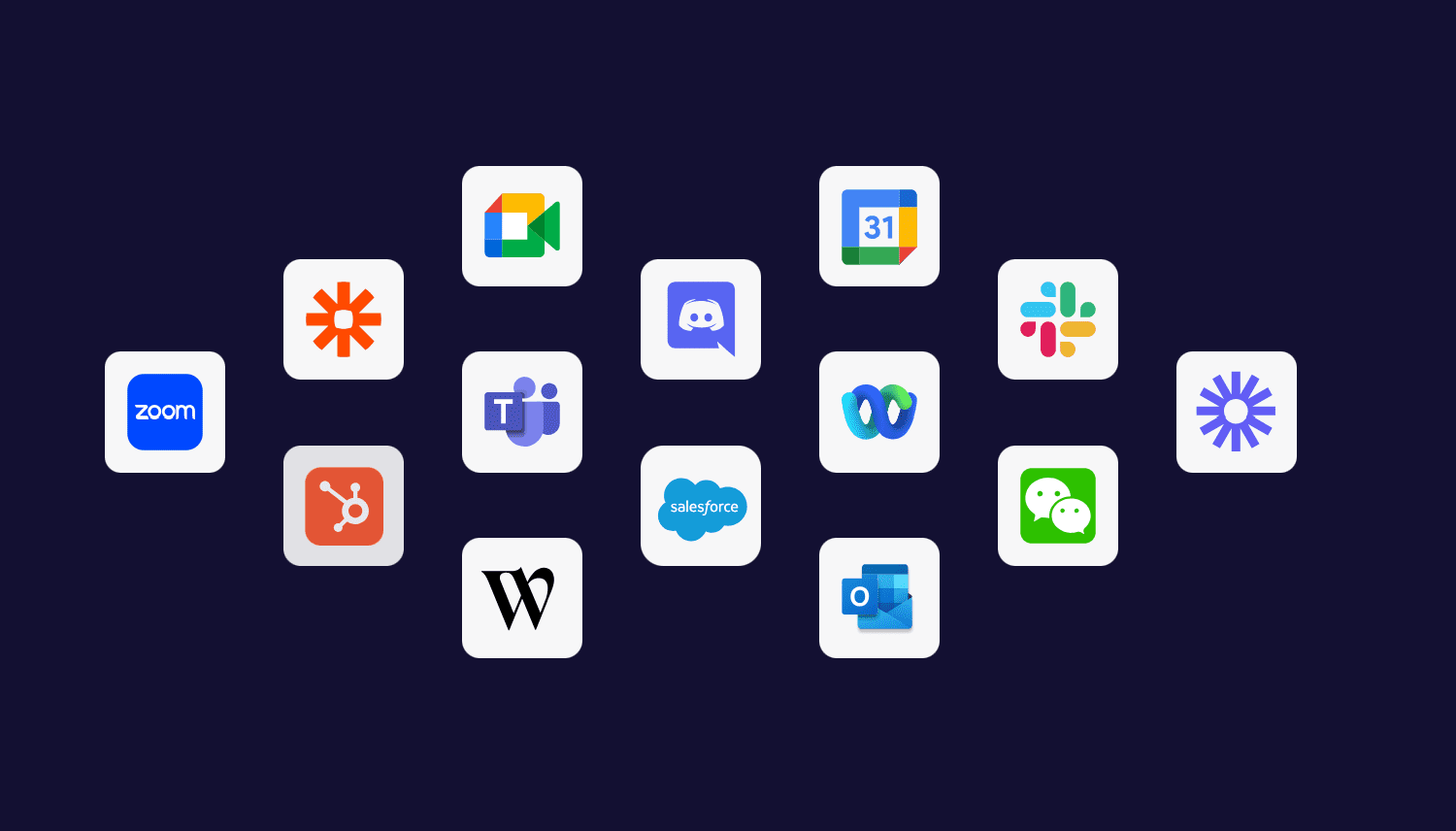
The most important step in this noise cancellation tutorial is linking Krisp with the apps you already use. Open Zoom, Microsoft Teams, Google Meet, Skype, or any other calling program and select “Krisp Microphone” and “Krisp Speaker” from the audio settings menu. Once chosen, the filter starts working immediately to remove background distractions. These simple audio clarity tips ensure that colleagues hear only your voice, not keyboards, traffic, or household sounds. You can enable or disable the feature with one click directly from the Krisp panel during a call.

Adjusting Basic Settings

Although Krisp works automatically, a few adjustments can improve the experience. Inside the dashboard you can choose whether to cancel noise from your side, from the other participants, or both. This Krisp guide recommends testing the microphone level before important meetings to avoid speaking too softly. Users can also set Krisp to start with the computer so it is always ready. Following this noise cancellation tutorial helps create a stable setup that does not need to be changed every day.

Using Krisp on Different Devices
Many people connect to meetings from laptops, desktops, or external headsets, and Krisp supports all of them. The application recognizes built-in microphones as well as USB and Bluetooth devices. For the best results, keep the microphone at a normal distance and avoid covering it with hands. These audio clarity tips are useful when switching between home and office environments. The same steps explained in how to use Krisp apply regardless of the device, which makes the tool flexible for travelers and hybrid workers.

Best Practices for Noise-Free Meetings

To get the most from this Krisp guide, combine the software with a few good habits. Close unnecessary windows, reduce very loud music, and speak clearly toward the microphone. Even though Krisp removes most disturbances, extreme noise can still affect quality. Regularly updating the app ensures access to the latest improvements. By following this noise cancellation tutorial, anyone can achieve professional-sounding calls and enjoy true audio clarity tips without buying expensive equipment.

Get Now

You Might Also Like

Krisp Review: Best Noise-Cancelling App for Clear Calls

Qustodio lets you supervise your child’s messages and social media posts

Top categories

  • Lifestyle
  • Technology
  • Health
  • Games
kouponics February 2, 2026
Previous Article Krisp Review: Best Noise-Cancelling App for Clear Calls
Next Article Ultimate Corsica Ferries Review – Tickets, Schedules & Travel Advice
- Advertisement -
Ad imageAd image
Buy Now

Latest News

Стильні Прикраси та Особливі Моменти разом із Pandora
Fashion September 18, 2026
Відкрийте Світ Стильних Прикрас та Елегантних Образів з Pandora
Fashion September 18, 2026
Work Smarter and Organize Conversations with Notta
Technology September 18, 2026
Simplify Meetings and Capture Ideas Easily with Notta
Technology September 18, 2026

Quick links

  • About Us
  • Contact
  • Privacy Policy
  • Disclosure
//

Kouponics is trending professional content website. We help people save time and money by delivering instant access to the latest content on travel, Fashion, Tech products.

Top categories

  • Lifestyle
  • Technology
  • Health
  • Games
Menu
  • Lifestyle
  • Technology
  • Health
  • Games

Quick links

  • About Us
  • Contact
  • Privacy Policy
  • Disclosure
Menu
  • About Us
  • Contact
  • Privacy Policy
  • Disclosure
- Advertisement -
Ad imageAd image
Kouponics

© 2025 kouponics. All Rights Reserved.

  • Advertise

Removed from reading list

Undo
Welcome Back!

Sign in to your account


Lost your password?